
R – Requirements: Laying the Foundation
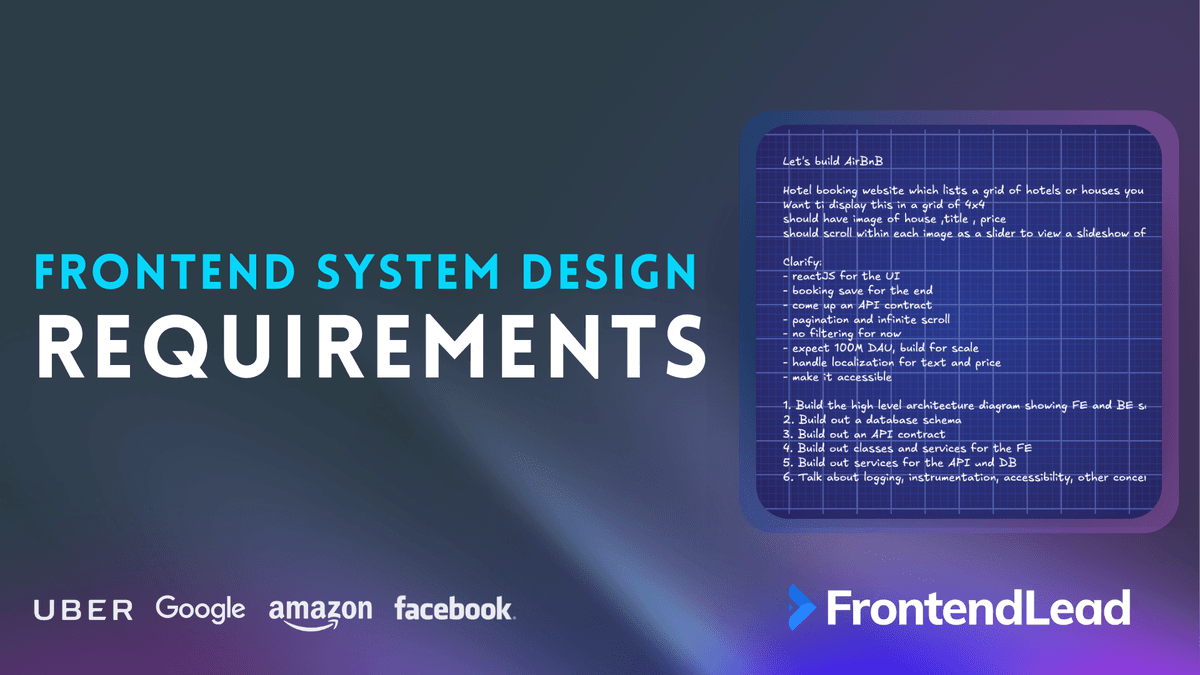
In the Requirements phase, your main goal is to clarify precisely what you’re building. Spend no more than 5 minutes here. Quickly define functional requirements and non-functional requirements, and do some basic napkin math to understand the scale you’re dealing with. Clear frontend requirements keep the rest of the interview on track.
Please spend no more than 10% of your interview explaining this portion.
Remember, your interviewer may not explicitly state all the requirements. Ask clarifying questions and structure your thinking.
Step 1: Clarify Functional Frontend Requirements
Divide your requirements clearly into Must-have (core) features and Nice-to-have features:
| Type | Example |
|---|---|
| Must-have | Infinite scrolling feed |
| Users can react (like, heart, etc.) | |
| Posts support images, videos, and text content. | |
| Users can create, edit, and delete posts. | |
| Basic user profiles (name, avatar, etc.) | |
| Nice-to-have | Internationalization (multi-language) |
| Detailed analytics & tracking | |
| Advanced privacy controls | |
| Search functionality | |
| Comments and sharing |
Step 2: Clarify Non-Functional Requirements
Non-functional requirements cover what’s happening under the hood (performance, scalability, UX, etc.):
| Area | Example Considerations |
|---|---|
| Performance | Fast load times (under 500ms per load) |
| Mobile Support | Mobile-first design, responsive layouts |
| Offline Access | Cache recent posts, support offline reads |
| Accessibility | Keyboard navigation, screen-reader support |
| Security | Secure authentication, XSS prevention |
| Scalability | The system must scale to millions of users |
| Observability | Error logging, monitoring performance |
| Data Consistency | Real-time updates vs eventual consistency |
Step 3: Napkin Math (Scale Estimation – Optional)
Do this very fast; this example below is a detailed outline, but spend no more than a minute discussing this during your interview.
Quick math to get a feel for the scale of the system:
Example scenario:
“Let’s estimate traffic for a simplified Facebook newsfeed.”
-
User Base: 10 million Daily Active Users (DAU)
-
Average Posts per User per Day: ~2 posts/day
-
Total Posts per Day:
10 million users × 2 posts/user/day = 20 million posts/day -
Peak traffic assumption:
Assume peak hours have about 2× average traffic:-
Average posts/hour: 20 million posts / 24 hours ≈ 830K posts/hour
-
Peak posts/hour: 830K × 2 ≈ 1.66 million posts/hour
-
Peak posts/second: 1.66 million / 3600 seconds ≈ 460 posts/sec
-
Reads (News Feed views):
-
Users open the app ~5 times/day
-
Total daily feed requests: 10 million users × 5 = 50 million feed requests/day
-
Average feed requests/hour: 50 million / 24 ≈ 2.08 million/hour
-
Peak hourly requests (2× average): 2.08 million × 2 ≈ 4.17 million/hour
-
Peak requests/sec: 4.17 million / 3600 ≈ 1,160 requests/sec
Summarized clearly:
| Metric | Calculation | Approx. Value |
|---|---|---|
| Daily Active Users | Given | 10 million |
| Daily Posts | 10M DAU × 2 posts/day | 20 million/day |
| Peak Posts/Second | (20M ÷ 24 ÷ 3600) × 2 | ~460 posts/sec |
| Daily Feed Requests | 10M users × 5/day | 50 million/day |
| Peak Feed Requests/Second | (50M ÷ 24 ÷ 3600) × 2 | ~1,160 requests/sec |
Use this math to reason about frontend choices in the following phases, such as feed page size for infinite scroll, what to cache on the client, and whether to poll or push new posts. Reads outnumber writes here, so optimizing feed loading matters more than optimizing post creation.
You can list this in one sentence in your interview:
Assuming 10M DAUs making 2 posts/day gives 20M posts/day (~460 posts/sec peak), and each user fetching the feed 5 times/day gives 50M feed requests/day (~1,160 req/sec peak), we can use these to reason about scaling, caching, and how often the client fetches updates.
Step 4: Clarify User Roles and Access Patterns
You can also clarify about user roles and expected behavior:
-
Types of Users: regular users, admins/moderators, guest users
-
User actions: reading posts, liking/reacting, posting content, editing content, and moderation (by admins)
- Authentication: Do they require authentication, or can they view without it?
Step 5: Clarify Data Requirements
Briefly outline clearly what kind of data you’ll store:
-
User Data: Profile info, preferences, social connections
-
Post Data: Content, timestamps, media references, reactions, comments
-
Media Data: Images/videos stored separately (CDN or media storage)
-
Metadata: analytics, logging, and monitoring data
Example Walkthrough – Designing Facebook News Feed
Summarize the requirements again after your clarifying questions:
Functional (Must-have):
-
Infinite-scrolling news feed
-
Posts (images, videos, text)
-
Likes/Reactions
-
Basic user profiles
-
Post creation/editing/deletion
Nice-to-have:
-
Multi-language support
-
User analytics and tracking
-
Advanced privacy controls
-
Comments and sharing
-
Search functionality
Non-functional:
-
Performance: Load feeds under 500ms
-
Mobile-first, responsive UI
-
Offline-friendly caching
-
Real-time or near real-time updates
-
Scalable architecture (millions of daily users)
-
Secure authentication and data handling
-
Accessibility and observability features
Scale (Napkin Math):
-
10 million Daily Active Users
-
20 million posts/day (~460 posts/sec at peak)
-
50 million feed requests/day (~1,160 requests/sec at peak)
Once you’ve clearly outlined these requirements, you can confidently proceed to the Architecture (A) stage.