
Understanding slice() vs splice() in JavaScript
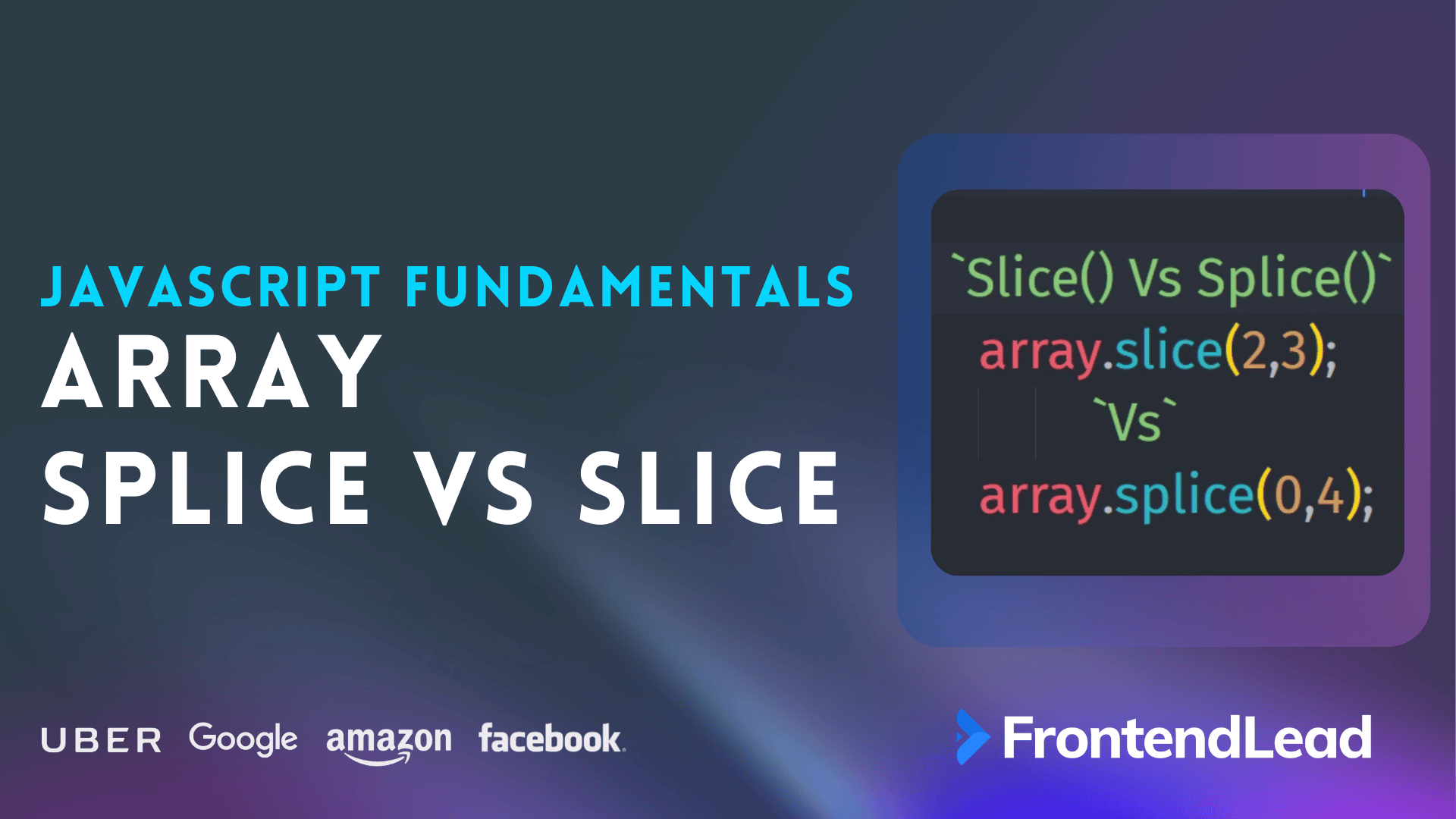
JavaScript provides two commonly used array methods, slice() and splice(), which are often confused due to their similar names. However, they serve very different purposes. MDN documents both slice() and splice().
Here’s a concise breakdown.
1. slice()
The slice() method returns a shallow copy of a portion of an array without modifying the original array.
Syntax:
array.slice(start, end)start: index at which to begin extraction (inclusive)end: index before which to end extraction (exclusive)
Example:
const fruits = ['apple', 'banana', 'cherry', 'date'];
const sliced = fruits.slice(1, 3);
console.log(sliced); // ['banana', 'cherry']
console.log(fruits); // ['apple', 'banana', 'cherry', 'date']
2. splice()
The splice() method modifies the original array by removing or replacing elements and optionally adding new elements.
Syntax:
array.splice(start, deleteCount, item1, item2, ...)start: index at which to start changing the arraydeleteCount: number of elements to removeitem1, item2, ...: elements to add
Example:
const fruits = ['apple', 'banana', 'cherry', 'date'];
const spliced = fruits.splice(1, 2, 'kiwi', 'mango');
console.log(spliced); // ['banana', 'cherry']
console.log(fruits); // ['apple', 'kiwi', 'mango', 'date']
Slice vs Splice: Key Differences
| Feature | slice() |
splice() |
|---|---|---|
| Modifies the original array | No | Yes |
| Returns | A new array | An array of... premium content. Premium Keep reading with PremiumGet the rest of this guide plus every premium question, solution, and system design deep dive.
     4.9/5 from our users |